
Episode 1: LinkedIn Lunatics, technical difficulties, and building a content repurposing tool


We kicked off the first-ever Two girls one Claude LinkedIn Live last week and, true to brand, it was chaos from minute one.
LinkedIn’s streaming setup failed us but still gave us a good laugh. We started off by Bojana calling me out on our series title, which she didn’t know the backstory for until someone told her on a business call. With a client. Who called it “edgy.”
We also ended up on r/LinkedInLunatics for the event title, which honestly? Great marketing. We’ll take it. If you haven’t browsed that subreddit, it’s a reminder that LinkedIn is an inherently absurd platform and we should all stop taking it so seriously.
But here’s the thing. Aren’t we all TIRED of the same content we’re seeing on LinkedIn? It’s where dreams go to die, and we’re fighting back.
Beyond the entertainment value, we actually got into some meaty stuff this episode. Here’s what’s worth your time even if you were there live.
Your taste is your moat now
The entire game for marketers has moved from “Can you make this” to “Can you tell if this is good.” Every AI tool can generate a bad first draft. But can you make it good?
The valuable skill is looking at that draft and knowing exactly why it doesn’t work, and being able to articulate what needs to change. If you can’t do that, you’re replaceable. If you can, you’re more valuable than ever because you can now do it at a speed and volume that wasn’t possible before.
I still spend up to an hour on a single LinkedIn post for an important client launch. But that hour is now spent on rounds of editing and refining with Claude, not staring at a blank doc trying to get the first sentence right.
Talk to AI like you’d talk to a coworker (a really smart one that takes everything literally)
If you struggled to communicate clearly with people before AI, you will struggle to communicate with AI.
Saying “optimize for engagement” or “make it good” gives you nothing useful back. Those phrases don’t mean much to a human or AI.
The specificity of your input determines the quality of your output. It’s as simple as that, besties!
We built the webinar repurposing tool live
The bulk of this episode was a live build of a tool Barbara uses at her agency.
What we showed live:
First: the manual process
I walked through exactly how I create content from a single webinar for a client, in real time, using Claude Cowork and Code. I connected Claude to a client’s context doc folder.
Then I uploaded an unedited webinar transcript straight from Riverside and started working through it by dictating prompts, asking Claude to pull out the most engaging ideas, draft social posts in the client’s voice, and then I gave AI revisions like the mean editor I am. This is the human-in-the-loop version. We listen and we DO judge.
It’s higher quality because I’m making judgment calls the whole time. You can’t just take the first draft AI spits out. That’s crazy.
Second: the automated tool
I also showed a tool that I built in Claude Code that does a stripped-down version of this entire workflow automatically.
You paste in a webinar transcript, click generate, and it gives you a Google Doc with LinkedIn posts, a newsletter recap, short-form video scripts, and email follow-up sequences. I built this by having Claude summarize one of my full manual content creation sessions and then telling Code to turn that workflow into a tool. Took about 2-3 hours, and I am not a developer.
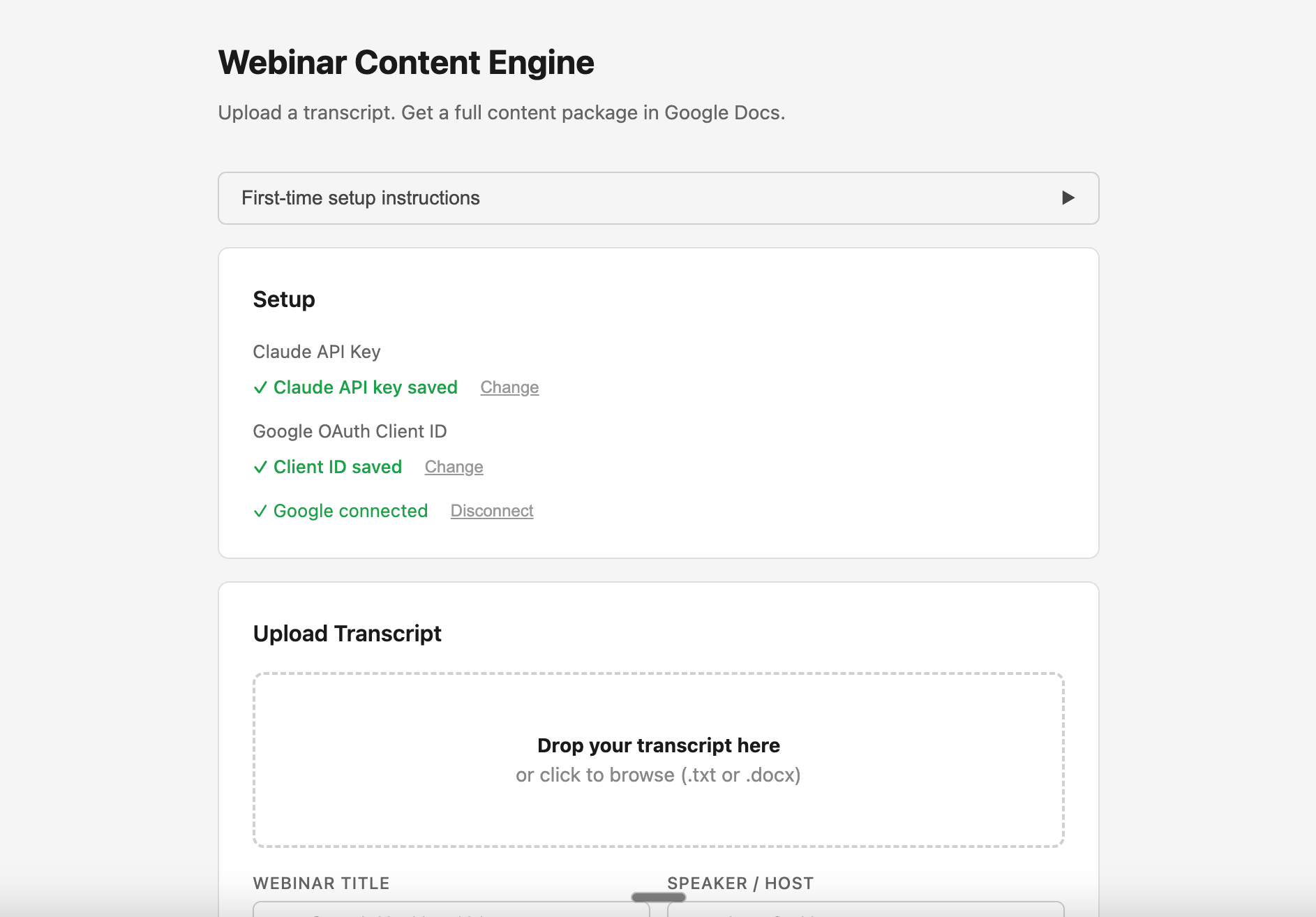
Does it look pretty? No. But does it work? Yes!
We’re sharing the markdown file for that tool below so you can build your own version. Take it into Claude Code, say “build this,” and it will. Easy peasy token squeezy!
But here’s the thing about making the tool actually work well
The tool on its own is a starting point. What makes the output actually good is what you feed it before you even start.
You NEED extensive context files. A dedicated folder for each client (or for yourself) with everything the AI needs to understand the voice, the audience, and the constraints.
Do not come to me complaining that your outputs are bad if you build the basic version of this tool from my markdown and have no context files to train it on.
You need:
- Brand and writing guidelines: including a documented tone of voice and a specific “don’t do this” list (mine includes all phrases that AI loves to overuse)
- ICP documentation: who you’re actually talking to, in detail
- Previous content: social posts, blog posts, emails, anything that shows what good output looks like for this brand
- Webinar decks and presentation materials: especially anything with branding, because it dramatically improves visual output when you’re creating social graphics
- Product info, competitor info, demo transcripts: the more context you feed it, the more specific and useful the output is
The clients we’ve worked with for years get significantly better output than new clients, because we’ve built up that context library over time. All of this work needs to happen before you expect a decent output.
And even then, you WILL need to work with it to get to a high-quality content piece. Marketers, this is how you don’t get replaced by AI. Embrace it!
Resources from this episode
Everything we mentioned and promised to share:
- Wispr (voice transcription tool I use instead of typing prompts into Claude)
- Riverside (what we use for webinar recording and transcripts)
- The markdown file for the webinar repurposing tool (take this into Claude Code and say “build me this” to replicate the workflow we demoed live)
What’s coming next episode
We’re building the twogirlsoneclaude.com website live with y’all!
We’ll connect it to this Substack, automating the workflow so each live transcript becomes a blog post published on the blog (let’s get some SEO juice out of this 🍑).
Come watch us either pull it off or break everything trying.
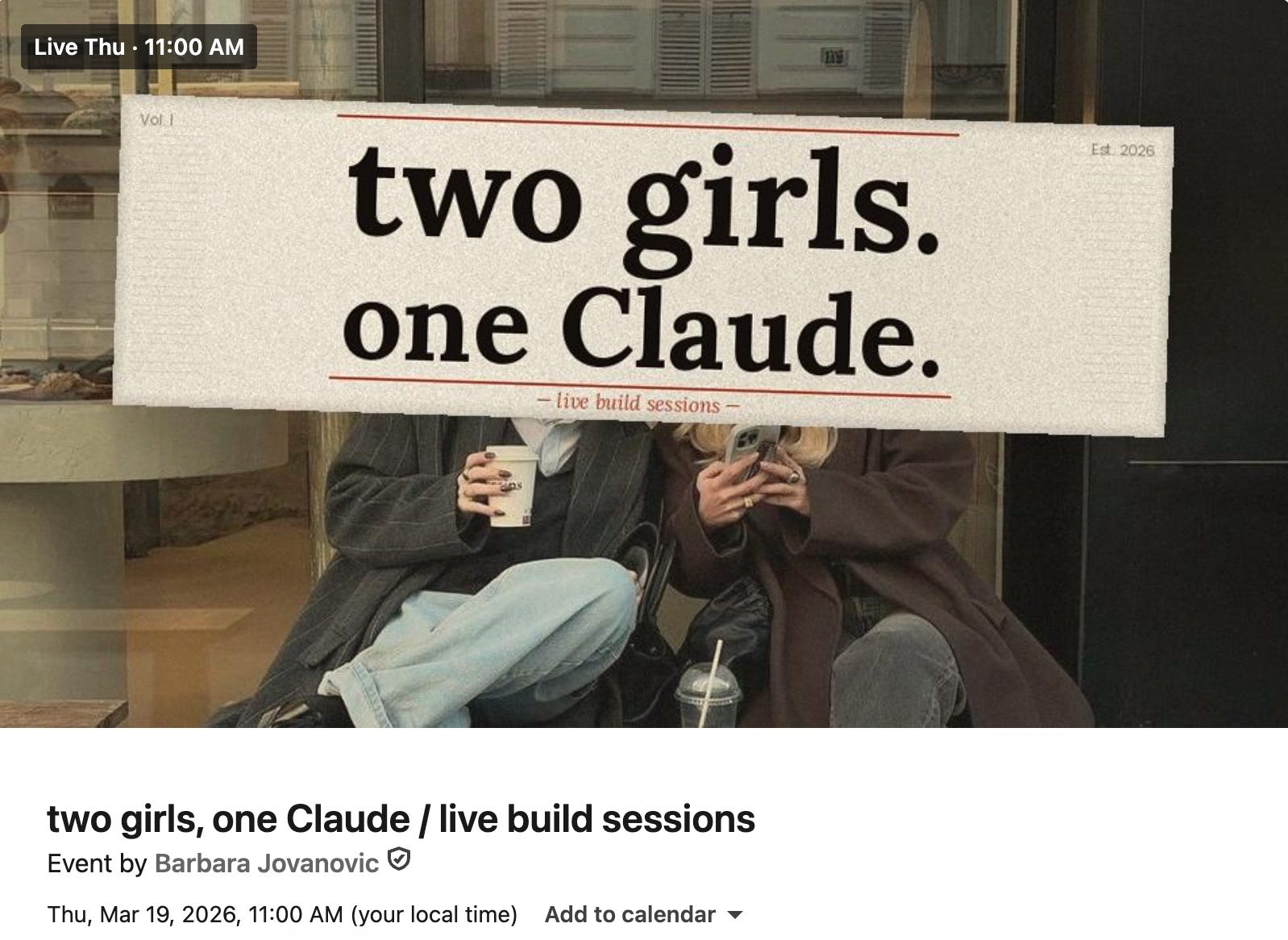
*You’re getting this email because you RSVP’d for a Two girls one Claude LinkedIn Live or subscribed to our Substack. We send one email per week after each episode with a recap, the recording, and any resources we promised. Share with your friends!